
On 31 October, DeepSeek published an experimental coding agent that takes requests from GitHub issues and answers them with pull requests. Released under the MIT licence as the dsh-superagent-prototype repository on GitHub, the tool runs as an add-on for the DeepSeek Harness platform. Our take: it is worth an afternoon for developer teams on GitHub who want an agent working in the background, but it is a research prototype, not a product, and it is only safe to run under its own operating-system account. Beginners should wait.
What Was Released
The repository had about 4,400 GitHub stars by 1 November. Its README cautions: “Research prototype for reference only, not an official DeepSeek product.” Built from internal work with “much of the engineering done by coding agents”, the codebase may contain bugs and inconsistent styling, leading DeepSeek to warn: “Review and adapt it before using it”. It also differs from DeepSeek’s internal version and leaves out some ideas from the company’s article on “super-agent” design. The package acts as an add-on for DeepSeek Harness, an open-source agent platform with desktop apps for Mac (Apple silicon) and Windows. Harness itself is still in preview and its repository dates back to August, so the news this week is the agent, not the platform.
Tired of juggling ten tabs? ToolSuite bundles the AI workflow tools power users rely on — in one place.
Try ToolSuite NowHow It Works
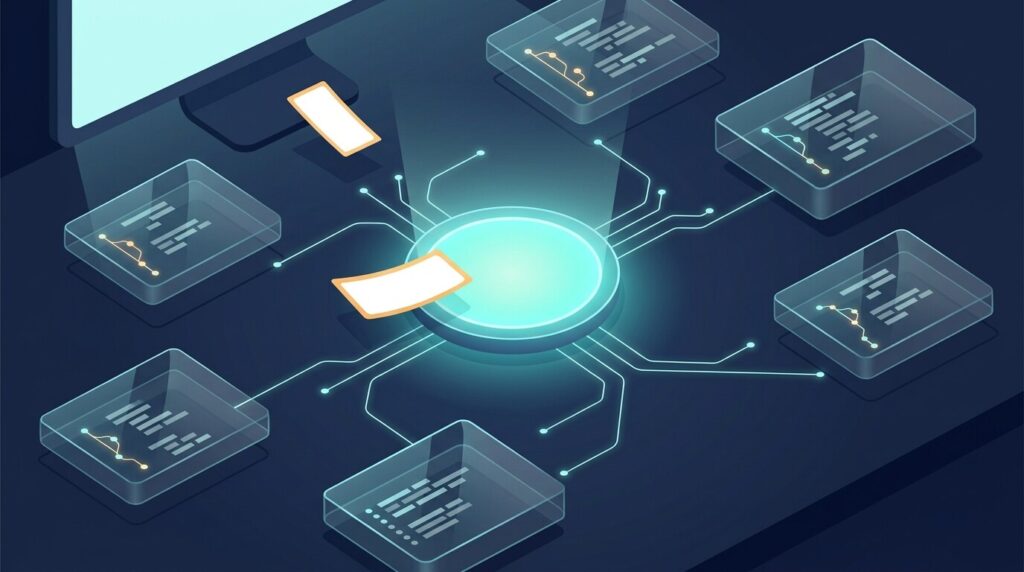
Described as “a proactive coding agent for one GitHub repository”, the system follows a core principle: “take as little human attention as possible, and give as much value as possible.” It operates only when prompted or explicitly permitted by team rules. Authorized users summon the bot in GitHub issues or comments with commands like “@agent-login request”, creating a Ticket that the agent processes in an isolated session before answering with a pull request. A local web panel highlights items requiring human review.
According to MarkTechPost and technical docs, the architecture separates a long-running Router session for task dispatching from isolated Worker sessions that execute each Ticket. Unprompted work supports three modes: off, observe (the default state that records potential actions), and auto. The reasoning behind the design, as MarkTechPost relays it from Chinese reports on DeepSeek’s article: a person can actively follow only three to five agent sessions at once, so human attention, not model capability, is the bottleneck. DeepSeek’s test figures are self-reported and we have not checked them.
Who It Is For and Who Should Skip It
The prototype fits developer teams managing github.com repositories with existing coding assistants. It requires Node.js 22.19+ or 24+, pnpm, git 2.32+, Python 3.8+, tmux, GitHub CLI 2.48+, and DeepSeek Harness. Operators set it up by asking their coding agent: “Read SETUP.md in this repository and set up dsh-superagent with me.”
Beginners, developers without sandboxed infrastructure, and organizations on GitHub Enterprise Server should skip it, as Enterprise Server is unsupported. Auto-merge remains disabled by default, keeping human approval essential.
What It Costs
While the bundle is free under the MIT licence, model API calls are billed under DeepSeek’s 30 October 2026 pricing schedule. Rates cover a 1M token context window, with off-peak hours billed at half price (off-peak / peak per 1M tokens):
- deepseek-flash: Input cache hits cost $0.003 / $0.006; cache misses cost $0.15 / $0.30; output costs $0.60 / $1.20.
- deepseek-v4-pro: Input cache hits cost $0.022 / $0.044; cache misses cost $0.66 / $1.32; output costs $1.98 / $3.96.
Peak hours run 01:00-04:00 and 06:00-10:00 UTC Monday to Friday, while weekends are completely off-peak. Crucially, a new billing policy started today: “per-request billing starts at 00:00 Beijing time on November 1, 2026” (16:00 UTC on 31 October). Search and Fetch APIs now cost $0.75 per 1,000 successful calls each. These tool calls were previously free when invoked through DeepSeek Harness, Claude Code, or Codex.
Security Warning
Security requires extreme care. The project’s deployment documentation warns that both configuration presets execute with “danger-full-access” under the operator’s user account. Credential wrappers “do not isolate the process”, and workers “can execute programs by path and read the operator’s home directory”. For basic protection, DeepSeek advises operating the agent inside a dedicated operating system account holding only the agent’s credentials, alongside a dedicated GitHub account.
The Arabic and Regional Angle
Middle Eastern engineering teams face practical regional constraints:
- Locales: The interface supports only English and Chinese (locale/en.json and zh.json), omitting Arabic entirely.
- Chat integrations: Besides GitHub, the only request source is Feishu (Lark), a Chinese workplace chat app. There is no Slack, Microsoft Teams or WhatsApp source, so most teams in the region will run it GitHub-only.
- Gulf peak hours: Weekday peak pricing in Arabia Standard Time (UTC+3: Riyadh, Doha, Kuwait) falls between 04:00-07:00 and 09:00-13:00, impacting morning work. In the UAE and Oman (UTC+4), peak hours run from 05:00-08:00 and 10:00-14:00. Friday is billed at weekday peak rates despite being part of the Gulf weekend, while Saturday and Sunday remain off-peak.
- Arabic testing: Teams can test compatibility by opening an issue written in Arabic addressed to the agent to observe whether acknowledgements, pull request text, and right-to-left code comments remain intact, a test we have not run yet.
What to Do Now
Engineering teams interested in the prototype should start with careful isolation. Configure a dedicated operating system account holding only the agent’s credentials and create a dedicated GitHub machine account. Keep proactive settings on observe mode during early evaluations, and ensure human engineers review and merge every pull request.
If you already point Claude Code or another agent at the DeepSeek API because it is cheap, check this month’s bill: web searches and page fetches are now metered, which adds up for agents that browse a lot. For a wider look at DeepSeek against its main rival, see our DeepSeek vs ChatGPT comparison.



Comments
0No comments yet.
Please log in to comment.
Comments are available for members only. Sign in to participate in the discussion, or create a new account for free.