
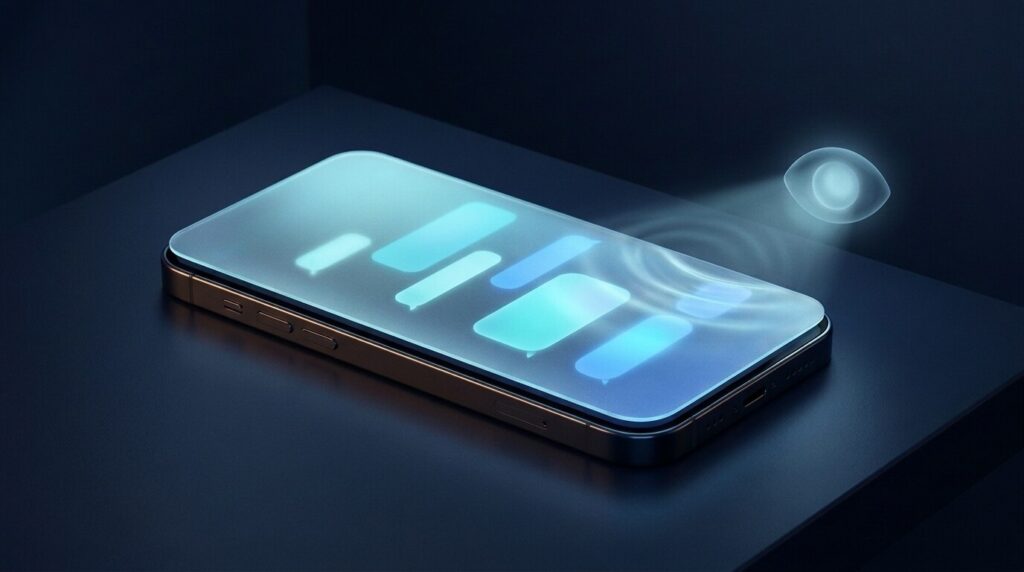
Signal said on Friday, 20 November, that it will stop the AI agents built into phone operating systems from reading what is on its screen, and it is doing it with a blunt tool: blocking screenshots. In a post on the Signal blog, Signal president Meredith Whittaker named the two features in question, Gemini on Android and Siri AI’s onscreen awareness on iOS 27, and called the way these agents are being wired into operating systems an “existential threat” to app-level privacy.
The problem, as Signal describes it, is that these assistants scan your screen to answer questions and act for you. Your messages are end-to-end encrypted in transit, but once they are decrypted and displayed, an OS agent can capture them and pass them to whatever local database or remote server it uses, outside Signal’s control. The Verge reported the change the same day, noting that it targets Siri, Gemini and other Android assistants.
Tired of juggling ten tabs? ToolSuite bundles the AI workflow tools power users rely on — in one place.
Try ToolSuite NowWhat changes on each platform
On iPhones running iOS 27, Signal now blocks screenshots inside the app. Android is messier. There are many Android builds beyond Google’s own Pixel software, and Signal says it cannot always detect a screenshot attempt on them. So instead it watches for an AI assistant trying to access the screen and then switches on its existing Screen Security setting automatically. Signal admits this does not cover every Android device, and it has not said which manufacturers are included.
On Windows 11 nothing new happens: Signal Desktop has blocked screenshots by default since last year to keep Microsoft Recall out. The Mac is the gap. Signal says it cannot reliably block screenshots on macOS because Apple does not offer documented APIs for it. That matters more now that Google has given Gemini the ability to operate Mac apps for you. For macOS 27, Signal’s only advice is to add Signal to Excluded Apps under System Settings > Siri.
The trade-off, and an incomplete fix
The visible cost is simple: you can no longer screenshot your own chats. You can turn the protection off in Signal’s settings, but Signal warns that doing so may expose your messages, and your contacts’ messages, to these agents and “break our privacy guarantees”.
Signal is also candid that the fix is “incomplete”. Blocking screenshots only covers what is displayed. It does nothing about an agent reading data that is already stored on the device through the filesystem.
What Signal wants from Apple, Google and Microsoft
Signal’s argument is that the three companies that make the main consumer operating systems set the rules every app has to live by, and their AI integrations are changing those rules without giving developers a way out. It asks for two things: an easy, documented way for developers to opt an app out of AI data access, covering screen reading, filesystem access, notifications and APIs; and proper documentation of how these agents access and process data. It adds that confidential computing is not a complete answer, because it still leaves the provider deciding how much privacy you get.
Signal also wants tools against third-party agents such as Meta’s Muse, which lean on accessibility permissions that users are encouraged to grant during setup, turning them into what Signal calls a “skeleton key”. On the hopeful side, Signal says it is cautiously optimistic because Google and Apple are engaging with it.
What to do now
- Check the setting. In Signal, tap your profile, then Settings (on iOS), then Privacy. Look for Screen Security on Android or Hide Screen in App Switcher on iOS. Blue means on, grey means off, according to the Signal help centre.
- On macOS 27, go to System Settings > Siri and add Signal to Excluded Apps.
- Think before you switch screenshots back on. Ask whether the convenience is worth exposing your contacts’ messages as well as your own.
- Remember the other side. The block works on your device only. It cannot stop the person you are talking to from taking a screenshot on theirs.
- Look at your other sensitive apps. Banking, email and health apps are visible to the same assistants. Decide what you are comfortable letting them see, and review your Gemini and Siri settings accordingly.
What it means for Arab users
This is a change in the app itself, so it reaches Arab users the same way it reaches everyone else once the update lands on their phone. Signal’s help centre is available in Arabic, and it documents the setting under its Arabic name (Ta’meen al-shasha, “screen security”), so Arabic-speaking users can follow the steps without switching to English pages.
What we could not confirm is whether Siri AI’s onscreen awareness or Gemini’s screen features work with Arabic content at all. Neither Signal nor The Verge says, and we did not verify it on Apple’s or Google’s own pages. So do not assume that Arabic messages are safe simply because they are in Arabic: treat any assistant that can read your screen as seeing everything you see.
Our view: Signal’s move is sensible, but it exposes a bigger problem. The burden of protecting privacy has shifted from the companies that build operating systems to app developers who lack the tools to do it properly. If Apple and Google respond with a clear opt-out for apps, screenshot blocking becomes a stopgap. If they do not, expect other privacy-focused apps to follow Signal’s lead.












Comments
0No comments yet.
Please log in to comment.
Comments are available for members only. Sign in to participate in the discussion, or create a new account for free.