
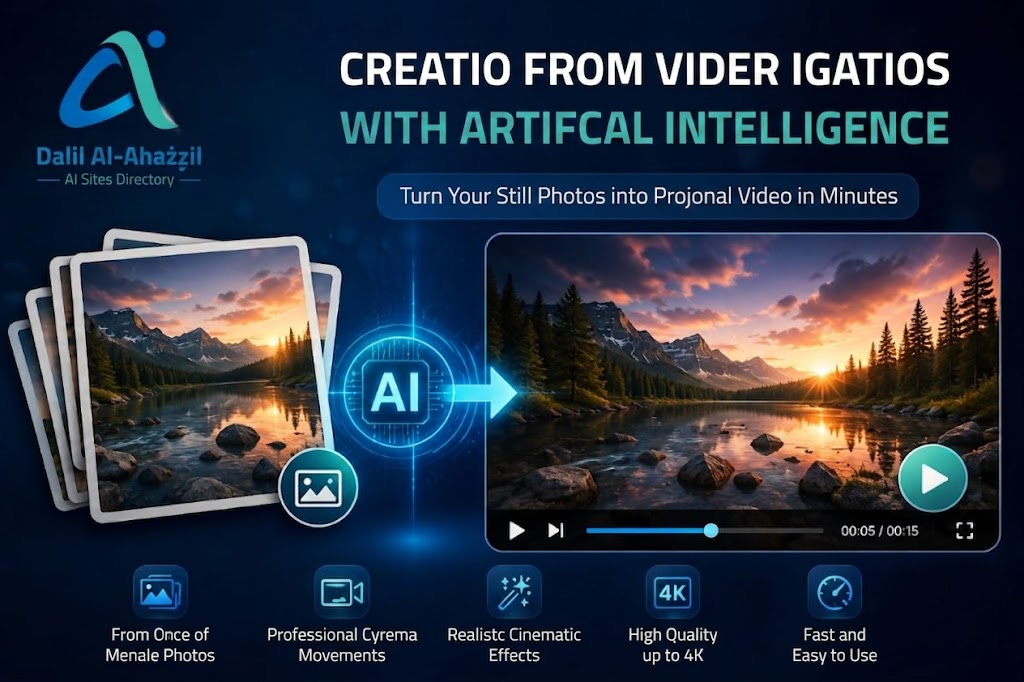
Creating videos from images has become easier than ever thanks to modern AI tools. Instead of relying on complex editing software, you can now turn a set of still images into a professional animated video in just minutes, with the addition of cinematic effects, realistic camera movements, and even transforming a single image into a complete video scene.
In this guide, we will learn about the best tools for creating videos from photos, and how to use them step by step, along with practical examples that help you produce engaging videos for social media, marketing, or personal projects.
Tired of juggling ten tabs? ToolSuite bundles the AI workflow tools power users rely on — in one place.
Try ToolSuite NowWhat is meant by creating a video from images using artificial intelligence?
It is the process of using artificial intelligence techniques to convert one image or several images into an animated video. The tool analyzes the content of the image and adds elements such as:
- Camera movement (Zoom In / Zoom Out)
- Animating characters and faces
- Add cinematic effects
- Create transitions between images
- Generate new scenes based on a textual description
The result is a video that looks as if it was filmed with a camera, even though it was created entirely from still images.
Why do people use image-to-video conversion tools?
There are many practical uses for this technology, including:
- Create content for TikTok and Instagram Reels platforms.
- Turn old photos into moving memories.
- Producing marketing videos for products.
- Creating educational content quickly.
- Create comic stories and creative clips.
- Design YouTube videos without the need for filming.
The Best Tools for Creating Videos from Photos in 2026
1. Runway
Runway is considered one of the most popular AI platforms for creating video.
Key features:
- Convert images into high-quality video.
- Add professional camera movements.
- Support text to video.
- Realistic results suitable for commercial content.
Suitable for:
Marketers, content creators, and filmmakers.
2. Kling AI
Kling has become one of the strongest competitors in the field of AI-powered video.
Features:
- High cinematic quality.
- Animating characters naturally.
- Support for realistic images and graphics.
- Excellent results for complex scenes.
Suitable for:
Professional content creators.
3. Pika
An easy-to-use tool suitable for beginners.
Features:
- A simple interface.
- Create a video in minutes.
- Convert images into attractive animated scenes.
- Ready-to-use effects.
Suitable for:
Beginners and small business owners.
4. Luma AI Dream Machine
One of the best tools for producing highly realistic videos.
Features:
- Smooth camera movement.
- High realism.
- Suitable for advertisements and presentations.
5. Hailuo AI
An emerging tool that has gained widespread popularity.
Features:
- Generation speed.
- Good quality compared to the free versions.
- Suitable for short social media clips.
How to Create a Video from a Single Image
Suppose you have a picture of a beach at sunset.
Step One
Upload the image to one of the above tools.
Step Two
Write a description of the required movement such as:
“The camera moves slowly toward the sea, the waves move naturally, the sun’s rays reflect on the water, a cinematic scene.”
Step Three
Select the video duration:
- 5 seconds
- 10 seconds
- 15 seconds
Step Four
Click Generate and wait until the video is created.
Practical Example No. 1: Converting a Product Image into an Advertisement
If you own an online store and want to promote a new product.
Image:
A smartphone image.
Description:
“Circular camera movement around the phone, professional lighting, shiny reflections appearing, a modern technological background, 4K quality.”
The result:
A professional promotional video ready to be published on social media platforms.
Practical Example No. 2: Animating a Portrait Image
Image:
An image of a person looking at the camera.
Description:
“The person smiles naturally, their eyes move slightly, a light breeze moves the hair, a slow camera movement forward.”
Result:
A realistic video that looks as if it was filmed with a camera.
Practical Example No. 3: Turning an Old Photo into a Moving Memory
Image:
An old family photo.
Description:
“Slight facial movement, slow camera motion, old film effect, warm lighting.”
The result:
A touching video suitable for sharing family memories.
Tips for getting the best results
Use high-quality images
The clearer the image is, the better the result.
Write an accurate description
Instead of writing:
“Make the image move”
Write:
“Slow camera movement from left to right, with the trees swaying due to the wind.”
Don’t overdo movement
Simple movements often yield more realistic results.
Try multiple descriptions
You may get different and distinctive results just by slightly modifying the description.
Best Ready-Made Descriptions (Prompts)
A Cinematic Scene
“Epic cinematic camera movement, realistic lighting, depth of field, smooth motion, ultra detailed, professional film look.”
Product Announcement
“Professional product commercial, studio lighting, camera rotation, premium advertising style, high quality.”
Natural landscape
“Slow camera movement, realistic wind, moving clouds, cinematic atmosphere, nature documentary style.”
Conclusion
AI-powered video creation tools from images have become among the most important technologies used in the digital content industry. Whether you are a marketer, content creator, or business owner, you can turn a single image into a professional video within minutes without needing editing experience.
If you are looking for the best results, Runway, Kling AI, and Luma AI are among the most powerful options currently available, while Pika and Hailuo AI are excellent choices for beginners and social media content creators.

Comments
0No comments yet.
Please log in to comment.
Comments are available for members only. Sign in to participate in the discussion, or create a new account for free.